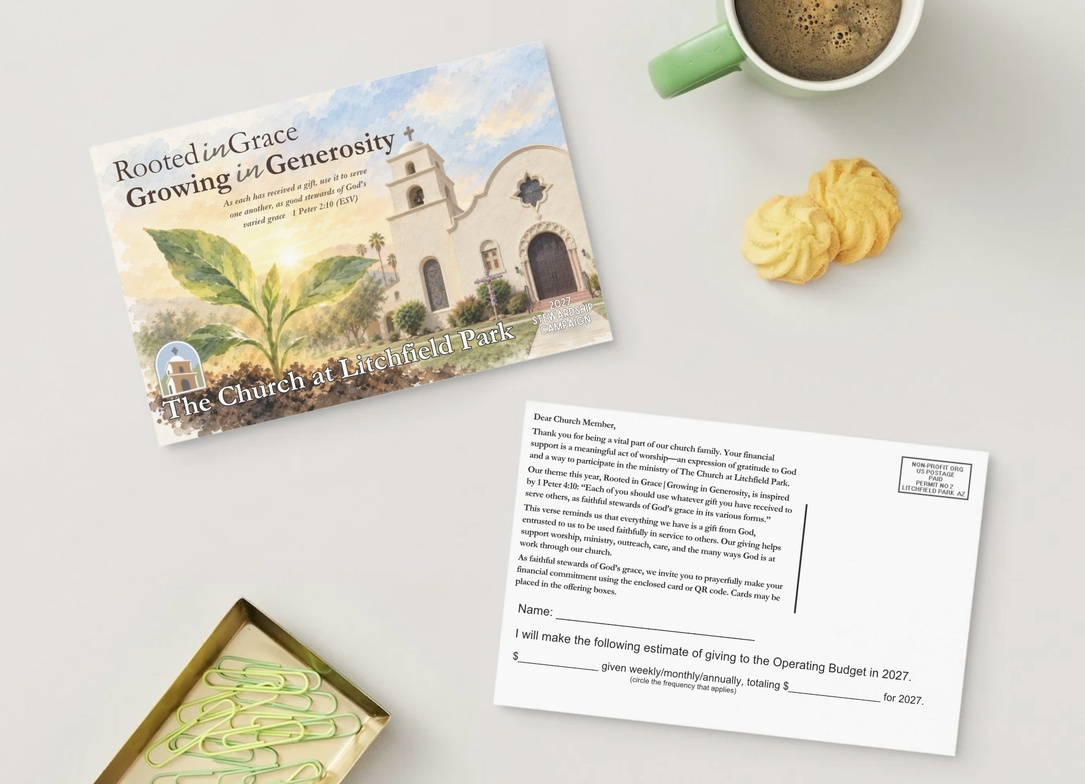
Thank you for prayerfully considering your financial commitment to The Church at Litchfield Park for 2027.
When you follow the link below, you will be taken to our 2027 Campaign Pledge page in Tithely. The page is not always intuitive, so we have provided these simple instructions to help you complete your pledge.
1. Select “Make a Pledge”
On the 2027 Campaign Pledge page, select Make a Pledge.
If you already have a Tithely account, we recommend signing in first. This will allow you to return later and review your pledge information.
You may also complete a pledge without signing in. If you need help reviewing your pledge later, you may contact the church office.
2. Enter Your Total 2027 Pledge
Under Total Pledge Amount, enter the total amount you plan to give for the entire year of 2027.
For example:
If you plan to give $1,200 during 2027, enter:
$1,200
3. Select Your Giving Frequency
Next, Tithely will ask:
“Select the frequency at which you plan to donate towards your pledge.”
Choose the schedule that best reflects how you plan to give toward your annual commitment.
Options may include:
- Weekly
- Biweekly
- Monthly
- Twice monthly
- Custom
Tithely will use your annual pledge amount and the frequency you select to calculate your planned gifts throughout the year.
4. Change the Pledge Dates
This step is especially important.
Tithely will ask you to choose dates to start and end your pledge.
Please use:
Start Date: January 1, 2027
End Date: December 31, 2027
The start date may automatically default to today’s date, so be sure to change it to January 1, 2027.
5. Leave “Today’s Gift” at $0 Unless You Want to Give an Additional Gift
Tithely will then ask:
“Select the amount you would like to give today alongside your pledge.”
You do not need to make a gift today in order to create your 2027 pledge.
You may leave this amount at:
$0
Any gift made during 2026 cannot be counted toward your 2027 pledge.
6. Review Your Pledge Plan
Continue scrolling until you see Your Pledge Plan.
Review the information carefully before submitting.
For example, a $1,200 annual pledge beginning January 1, 2027 and ending December 31, 2027, with a weekly frequency, may display something similar to:
Total Pledge Amount: $1,200
Today’s Gift: $0
Giving Frequency: Weekly
Start Date: January 1, 2027
End Date: December 31, 2027
Planned Weekly Amount: approximately $22.65
Tithely will calculate the individual gift amounts based on the dates and frequency you selected.
7. Select “Create My Pledge”
Once you have reviewed your information and everything looks correct, select:
Create My Pledge
Your 2027 stewardship commitment will then be recorded.
Ready to begin?
Use the link to open the 2027 Campaign Pledge page: https://campaigns.tithely.com/69868-the-church-at-litchfield-park/2027-campaign-pledge